A Shared Grocery List for Couples: Setup and Free Template
Set up one grocery list with clear quantities, substitutions and shopping handoffs. Includes a worked example and a free shared-list template.
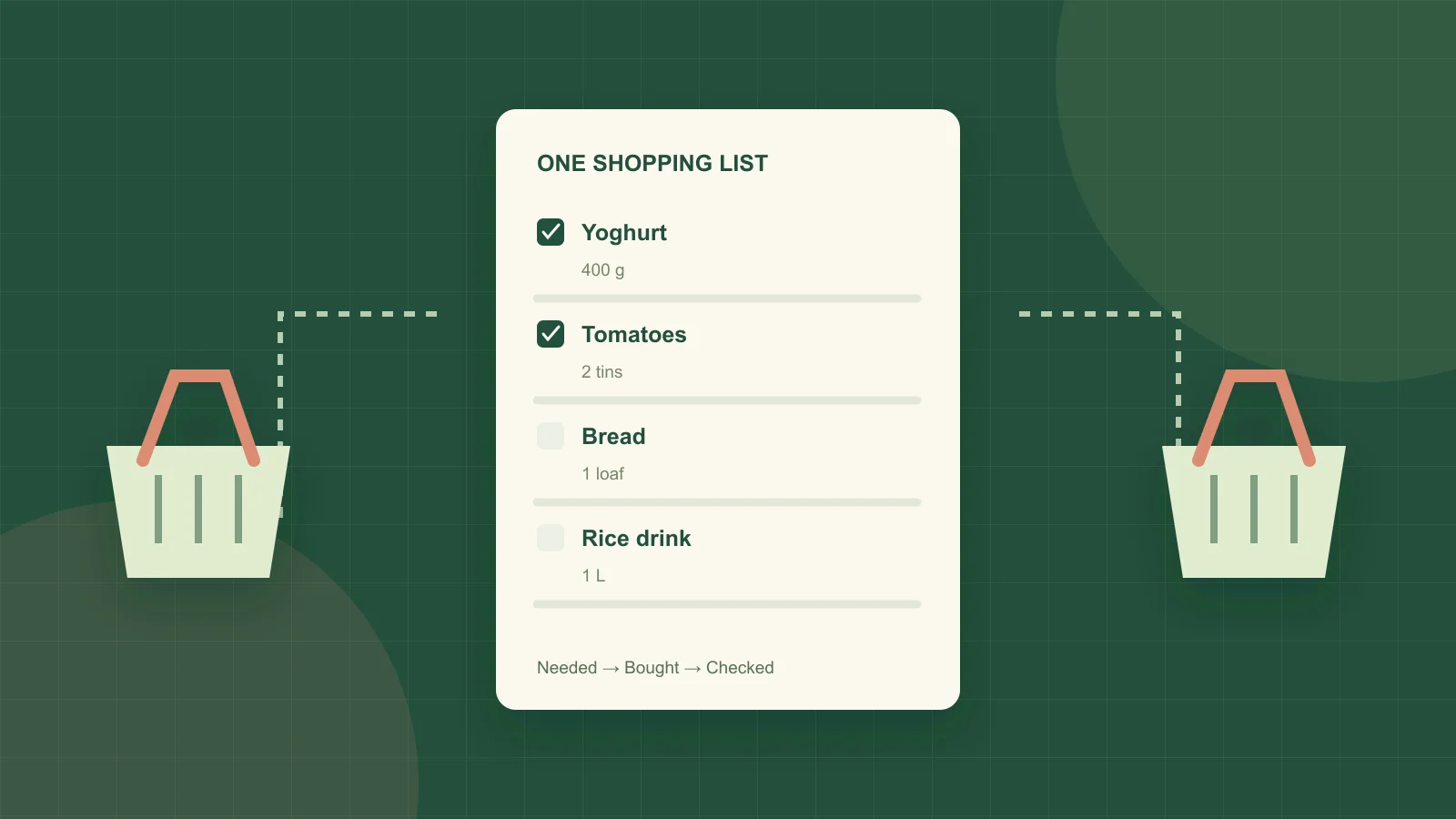
A shared grocery list works when both people can tell what to buy, how much is needed, and whether someone has already bought it. Sharing a note is the first step. Agreeing what the entries mean is what makes the note useful in the aisle.
For example, “yoghurt” leaves several questions unanswered. Is it for breakfast or a savoury sauce? Is the amount one small pot or a large tub? Can the shopper substitute a flavoured version? Those decisions should travel with the item so either person can finish the shop.
Choose a shared list both people can edit
Use a tool that works on both phones and allows both people to add, edit and complete items. Test it together: one person adds an item, the other changes the quantity, and the first person checks that the change appears. Then mark it complete and check that both screens agree.
Apple users can start with Reminders. Apple's official list-sharing guide explains that collaborators must have an Apple Account and Reminders enabled in iCloud. Accepted participants can edit and complete items, and shared reminders can be assigned to people. Check those requirements before assuming a mixed-device household can use the same setup.
For another list app, run the same practical check on your actual devices. Also check whether shared lists, extra collaborators or the devices you need require a paid plan. Feature names and subscription boundaries can change, so use the provider's current documentation before choosing.
Separate “things we buy” from “things to buy now”
A reusable staples list is a reminder to check milk, rice, eggs and washing-up liquid. It is not an instruction to purchase all of them every week. Keep the active shopping list limited to verified needs for the next trip.
Before shopping, review the meals you expect to cook and check the relevant stock. A full pantry inventory can help, but a quick check of the fridge, freezer and staple shelf is enough to start. If an item has not been checked, write “check at home” rather than turning uncertainty into a purchase.
Pick one convention for quantities. The simplest is that the active list always shows the amount still to buy. If one person interprets “2 L milk” as the desired total at home while the other interprets it as two additional litres, the list will remain ambiguous even with perfect synchronisation.
Write a grocery entry another person can act on
A useful entry contains the food, purchase quantity, any essential specification and the substitution rule. Add a deadline or assigned shopper only when it changes the decision.
| Vague entry | Clear entry | Decision it resolves |
|---|---|---|
| Yoghurt | Plain unsweetened yoghurt, at least 400 g; one 500 g tub is fine | Quantity and use in a savoury recipe |
| Tomatoes | 2 × 400 g tins chopped tomatoes; whole tinned tomatoes also okay | Fresh versus tinned and acceptable alternative |
| Bread | 1 loaf of our usual sliced bread; freeze half after shopping | Pack count and surplus destination |
| Rice milk | 1 L of the specified rice drink; no substitution without checking | A household requirement that overrides convenience |
Use a photo of the package when the name alone could mislead. If an ingredient must meet an allergy-related requirement, the shopper still needs to check the current label. A saved photo or a suggested substitute is not a substitute for that check.
A quantity example: two recipes, one yoghurt purchase
Suppose Monday's recipe needs 300 g plain yoghurt and Wednesday's recipe needs 250 g. You have checked an opened tub and confirmed 150 g is suitable and available for those meals.
550 g recipe total − 150 g usable stock = 400 g to buy. If the suitable pack available is 500 g, buying one leaves a planned 100 g surplus after those recipe allocations. Give that extra amount a use, such as breakfast, subject to the product's storage instructions.
The active list should say “plain yoghurt, at least 400 g; one 500 g tub okay”. It should not contain separate “300 g yoghurt” and “250 g yoghurt” rows plus a third household request for “yoghurt”. Combine matching requirements before subtracting stock. If one recipe requires a different product, keep it separate.
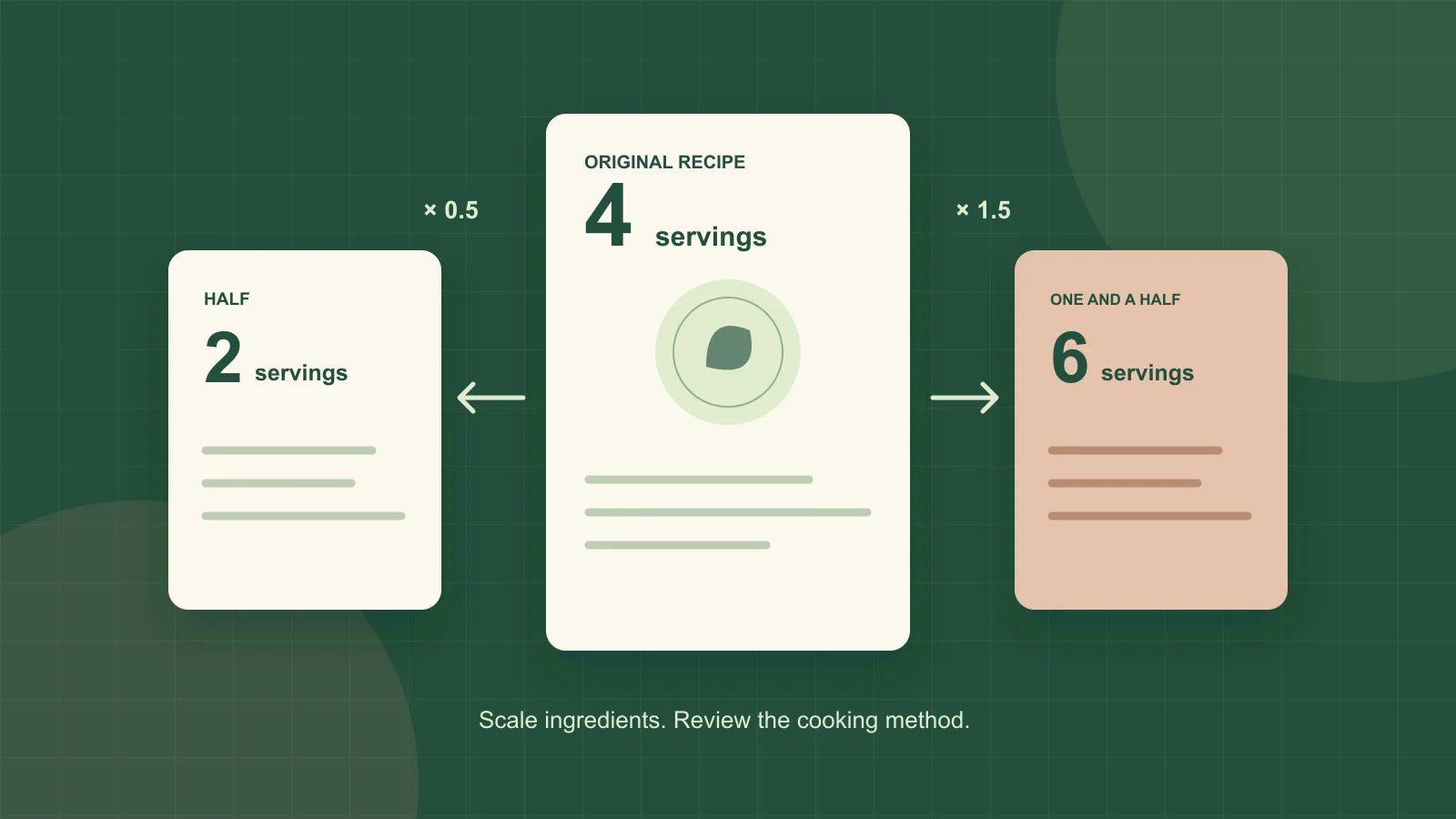
This is the household handoff part of the broader pantry-to-meal-plan grocery workflow. Correct serving counts come first: scale each recipe before adding its quantities to the shared total.
Agree on three shopping states
Use “needed”, “bought” and “unavailable”, whether your app provides statuses or you write the last one in a note. Mark an item bought when it is in the basket and you intend to purchase it. If it is later removed or rejected at checkout, return it to the list.
Do not mark an unavailable item complete just to tidy the screen. Add “unavailable at this store” and leave the outstanding need visible. For partial purchases, update the remainder: if the list requests four tins and you buy two, the remaining need is two tins.
After checkout, confirm any substitutions and update the pantry record to match what actually arrived. A purchase of frozen broccoli in place of fresh broccoli should appear as frozen broccoli, with the right storage location. Otherwise next week's plan starts with a stock error.
Handle two shoppers and an unreliable connection
If both people are shopping at once, assign whole categories or stores before starting. One person can cover produce while the other covers the remaining aisles. Avoid having both people independently work through the same unchecked items.
Do not assume every app handles offline edits in the same way. If one phone loses its connection, continue with the agreed division of responsibility and reconcile the list when connected again. For a large last-minute addition, use a direct message or call rather than assuming a background notification will be seen immediately.
If the list feels burdensome, remove fields that are not helping. A routine milk purchase may need only a quantity; an unfamiliar ingredient may need a package photo and substitution note. The goal is enough information for the actual decision.
Use the free shared-list template
Download the shared grocery-list CSV template. It includes sample rows for item, quantity to buy, unit, essential specification, acceptable substitute, assigned shopper and status. Replace the examples before your next trip.
A CSV is a portable starting point; it does not provide live collaboration by itself. Put the columns into a shared spreadsheet or copy the useful fields into your chosen list app. After one shop, review any duplicated, missed or unclear item and improve that entry.
Share this insight
Kivella Editorial Team
Kivella's editorial team documents practical pantry, recipe, meal-planning and nutrition workflows. Material claims are checked against primary research or official guidance, and product claims are kept within Kivella's current documented capabilities.
Read our editorial policyShare Article
On this page
Tags
Continue the workflow
Related Kivella guides
Meal planning
Pantry-Aware Meal Planning: From Weekly Plan to Grocery List
Plan realistic meals around what you already own, combine recipe quantities and create one shared grocery list with only the items that are missing.

Pantry management
Pantry Inventory Template: Free List and Setup Guide
Download a free pantry inventory template (CSV), then set up one list for cupboard, fridge and freezer food with a worked example and a weekly routine.
Recipe organization
How to Scale a Recipe and Buy the Right Quantities
Convert recipe servings with a simple formula, check units and cooking limits, then subtract pantry stock. Includes examples and a free scaling worksheet.