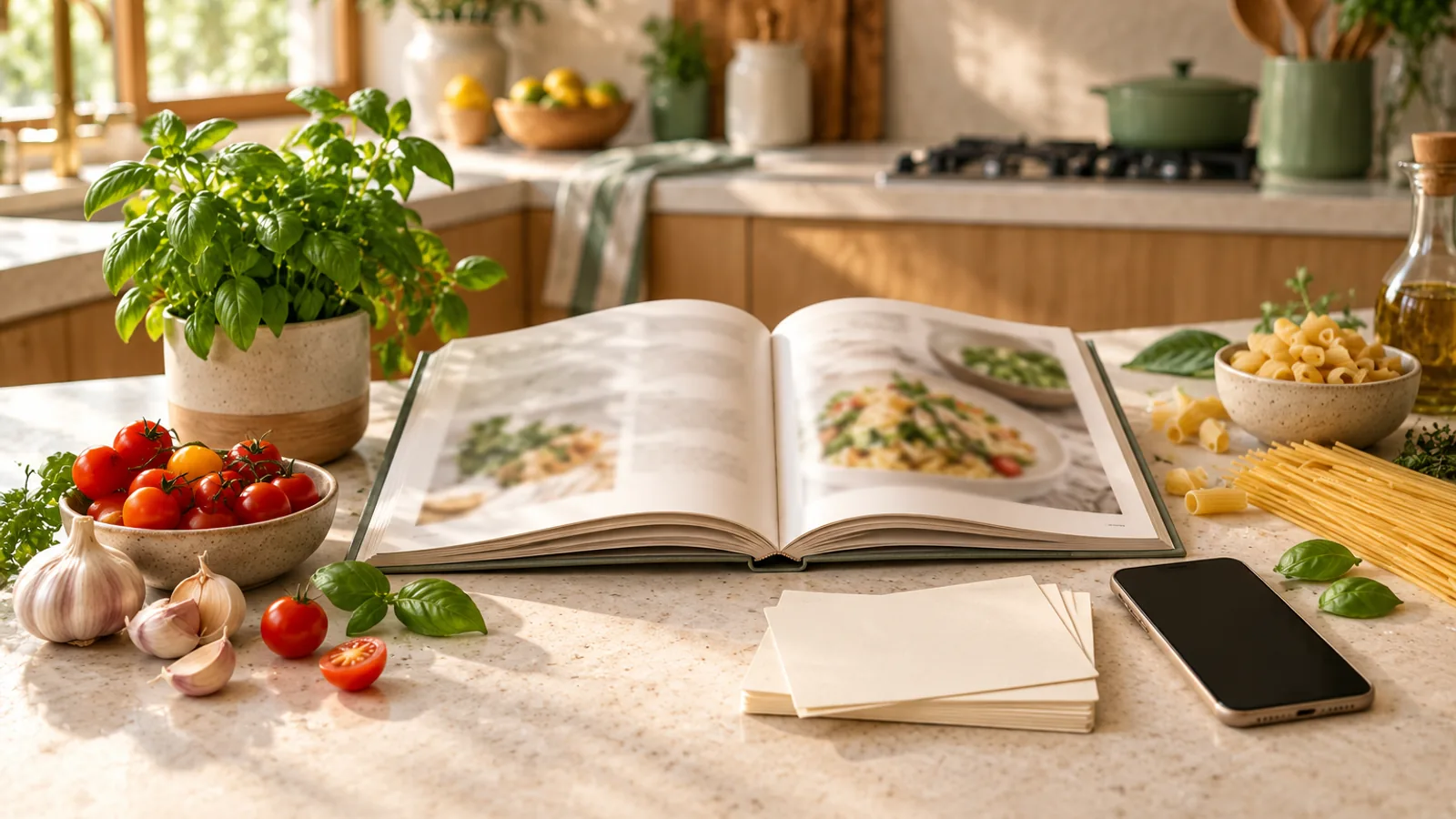
Best Recipe Apps to Save and Organize Recipes in 2026
Find the best recipe app for you: 10 recipe keepers compared on price, platforms, imports, meal planning and export. See which fits how you cook.
The best recipe app captures recipes from where you find them, runs on every device you cook with and lets you leave with your collection. Based on each app's published features as of 5 October 2026, Paprika leads for a one-time purchase with desktop apps. ReciMe leads for social posts, AnyList for shared family lists and Kivella for cooking from your pantry.
This guide compares ten recipe managers, also called recipe keepers or organizers: apps for saving, sorting and cooking from your own recipes. Recipe-discovery apps, which mainly publish their own recipes, do a different job. Prices are US prices as published; local prices differ.
Quick picks: the best recipe app for each need
- One-time purchase: Paprika 3, sold separately per platform (US$4.99 on iPhone and iPad, US$29.99 on Mac or Windows).
- Apple-only household: Mela for a clean iCloud library, or Crouton for cooking aids such as hands-free step mode.
- Family sharing: AnyList Complete's household plan (US$14.99 a year), or Plan to Eat for a web-first meal planner.
- Social imports: ReciMe, which lists Instagram, TikTok, Facebook and YouTube among its sources. Pestle is the Apple-only alternative.
- Pantry-connected cooking: Kivella, which checks each recipe against your pantry and builds the shopping list from the shortfall.
- Free: Samsung Food, whose free plan includes saving recipes, meal plans and shopping lists.
How to choose a recipe keeper app
Your habits decide the best recipe app more than feature counts do.
- Import sources: Website import is standard and reads the recipe data a page publishes. Social posts, cookbook photos and files from older apps vary more. If most recipes arrive in short videos, read our guide to saving recipes from Instagram, TikTok and YouTube.
- Platforms: List every device you plan, shop and cook with. A desktop app or browser extension matters if you find recipes on a laptop.
- Sync and sharing: Some apps sync through their own accounts; Mela and Crouton use iCloud. Check whether a partner needs their own paid copy.
- Price model: One-time purchases cost more up front but don't renew. Subscriptions usually pay for cross-platform sync, more imports or AI features.
- Meal plan and grocery list: Decide whether recipes should flow into a calendar and shopping list, and whether the list should follow supermarket aisles.
- Export and lock-in: A documented export format is your exit. Our guide to organizing a digital recipe collection covers keeping sources and notes portable.
The best recipe organizer apps, one by one
Each summary uses the developer's own website, help pages or store listing.
Paprika 3
- Best for: a one-time purchase with desktop apps.
- Price as published: US$4.99 on the App Store; US$29.99 on the Mac App Store or for Windows. Android's free version holds 50 recipes, without sync, until you upgrade in the app.
- Platforms: iPhone, iPad, Apple Watch, Android, Mac and Windows.
- Standout: a built-in browser, Safari extension and bookmarklet for saving recipes; aisle-sorted grocery lists that combine ingredients; a pantry with expiry dates; and offline access to data stored on the device.
- Limits: no web app, and per-platform purchases add up. On 28 September 2026 Paprika opened its version 4 beta to all current users, adding social-media importing, recipe scanning and family accounts. It says premium features will require a subscription after the beta.
Recipe Keeper
- Best for: one recipe book across iPhone, Android, Windows and Mac.
- Price as published: free to try; the Pro upgrade is an in-app purchase listed at US$19.99 on iPhone and US$29.99 on Mac. The developer says each platform needs its own purchase, and sync is then free.
- Platforms: iPhone, iPad, Android, Windows and Mac.
- Standout: website import, recipe search its site says covers Instagram and TikTok, OCR scanning from photos and PDFs, transfers from apps such as Paprika, aisle-grouped shopping lists and offline access.
- Limits: its site doesn't spell out the free version's limits.
AnyList
- Best for: families who share one grocery list and attach recipes to it.
- Price as published: free download; AnyList Complete is US$9.99 a year for one person or US$14.99 for a household.
- Platforms: iPhone, iPad and Android; the web, Mac and Apple Watch apps come with Complete.
- Standout: shared lists that sync between family members, grocery categories you can rearrange to match your store, and desktop browser extensions.
- Limits: the free plan imports five website recipes, and the meal-planning calendar needs Complete. Social-post import isn't listed.
Plan to Eat
- Best for: planning meals on a computer, then shopping from your phone.
- Price as published: a 14-day trial with no card, then US$5.95 a month or US$49 a year on its website. The App Store lists a one-year membership at US$54.99.
- Platforms: website, iOS and Android, with one account across devices.
- Standout: a Recipe Clipper browser extension, a planning calendar of any length, and a shopping list built in aisle order from the recipes on your calendar.
- Limits: subscription only, with no recipes or meal plans of its own.
Mela
- Best for: a tidy, private recipe library on iPhone, iPad and Mac.
- Price as published: free to download; a one-time Mela+ purchase unlocks all features, listed at US$6.99 for iPhone and iPad and US$14.99 for Mac, bought separately.
- Platforms: iPhone, iPad and Mac.
- Standout: an in-app browser that previews detected recipes, a share extension, blog recipe feeds, text-recognition scanning and iCloud library sharing. Mela says it collects no data.
- Limits: no Android or web version; meal plans and groceries live in Apple's Calendar and Reminders. Its latest listed App Store update is from June 2025.
Crouton
- Best for: Apple users who want cooking aids, not just storage.
- Price as published: free download. The App Store lists Crouton Plus at US$24.99 and a Discover subscription at US$1.99 a month or US$14.99 a year.
- Platforms: iPhone, iPad, Mac, Apple Watch and Apple Vision Pro.
- Standout: imports from copied links, photos, text and scanned cookbook pages; hands-free step mode; tap-to-start timers; scaling and metric–imperial conversion; and meal plans generated from your recipes.
- Limits: Apple-only, and social-post import isn't listed.
ReciMe
- Best for: saving recipes from social media.
- Price as published: free with five recipe imports a week. ReciMe Plus has a 7-day trial and costs US$39.99 a year in the US; monthly billing is also offered.
- Platforms: iOS, Android, a web app and a Chrome extension.
- Standout: imports from Instagram, TikTok, Facebook and YouTube posts, screenshots and handwritten recipes; grocery lists sorted by supermarket aisle; meal plans and per-recipe nutrition.
- Limits: the free plan's weekly import cap.
Samsung Food
- Best for: a free all-rounder that mixes a large recipe catalogue with your own saves.
- Price as published: free plan; Samsung Food+ is US$6.99 a month or US$59.99 a year after a 7-day trial, and plans can differ by country.
- Platforms: iOS, Android and a web app.
- Standout: the free plan covers browsing over 180,000 recipes, saving your own, meal plans and shopping lists, with a Chrome extension and phone share extensions.
- Limits: link saving depends on a site's recipe data, basic users get three photo scans, and nutrition tracking and pantry features need Food+. It is part discovery app, part recipe keeper.
Pestle
- Best for: social saves on iPhone and iPad, with a lifetime option.
- Price as published: the free plan keeps 15 recipes. Pestle Pro is US$24.99 a year on its website, and the App Store also lists a US$2.99 monthly plan and lifetime purchases.
- Platforms: iPhone, iPad and Apple Watch, plus a Chrome extension.
- Standout: share-sheet saving from Instagram, TikTok, Facebook, YouTube and websites; hands-free guided cooking with timers; and shared households.
- Limits: no Android app; sync, households, meal plans and PDF or photo import need Pro.
Kivella
- Best for: cooking from what you already have.
- Price as published: free download. Kivella Pro is an auto-renewing subscription; current prices and allowances are shown in the app, not on the store listings.
- Platforms: iPhone and iPad (iOS 15 or later) and Android (8.0 or later), in English only. There is no web or desktop app.
- Standout: every recipe shows which ingredients you have, partly have or are missing at your chosen servings. The meal planner scales recipes, subtracts pantry stock across the week and lets you review the shortfall before it reaches the shopping list. You also get collections, tags, serving scaling, a cooking mode with step timers, and printed-recipe photo capture.
- Limits: import is best effort. Websites work through their recipe data; Instagram, TikTok, YouTube and Facebook posts work only when the caption, description or transcript contains the recipe, and video files can't be uploaded. Free includes two imports and two recipe photos per rolling 30 days at the time of writing, with more on Pro. There is no bulk export or unit conversion, the list groups items by category rather than aisle, and household sharing needs Pro (up to five people).
Where other apps are ahead of Kivella:
- Desktop apps: Paprika, Recipe Keeper, Mela and Crouton.
- Browser extensions: Plan to Eat, AnyList, ReciMe, Samsung Food and Pestle.
- One-time upgrades: Paprika 3, Recipe Keeper and Mela.
- More social sources: ReciMe.
- Aisle-sorted lists: Paprika, Recipe Keeper, ReciMe and Plan to Eat.
Best recipe app comparison table
| App | Price model | Platforms | Social-post import | Meal plan and list | Bulk export |
|---|---|---|---|---|---|
| Paprika 3 | One-time per platform, from US$4.99 | iOS, Android, Mac, Windows | In version 4 beta | Yes; aisle-sorted | HTML, .paprikarecipes |
| Recipe Keeper | Free; one-time Pro per platform, from US$19.99 | iOS, Android, Windows, Mac | Instagram, TikTok listed | Yes; aisle-grouped | Not documented |
| AnyList | Free; Complete US$9.99–14.99 a year | iOS, Android; web, Mac with Complete | Not listed | With Complete | Not documented |
| Plan to Eat | US$5.95 a month or US$49 a year | Web, iOS, Android | Not listed | Yes; aisle order | CSV, TXT |
| Mela | Free; one-time unlock from US$6.99 | iPhone, iPad, Mac | Not listed | Via Calendar, Reminders | .melarecipes |
| Crouton | Free; Plus US$24.99; Discover subscription | Apple only | Not listed | Yes | Crouton files, PDF, text, Markdown |
| ReciMe | Free (5 imports a week); Plus US$39.99 a year | iOS, Android, web | Yes | Yes; aisle-sorted | Per recipe (PDF, link) |
| Samsung Food | Free; Food+ US$6.99 a month | iOS, Android, web | Share extension | Yes | Not documented |
| Pestle | Free (15 recipes); Pro US$24.99 a year | iPhone, iPad, Apple Watch | Yes | With Pro | Not documented |
| Kivella | Free; Pro subscription | iPhone, iPad, Android | When the text has the recipe | Yes; pantry-checked | No |
Moving your recipes between apps
Switching is easiest when the new app reads the old app's export file:
- Paprika exports HTML files with recipe schema data, or a .paprikarecipes archive. Mela and AnyList import Paprika's format, and Recipe Keeper lists Paprika among the apps it transfers from.
- Plan to Eat exports the whole recipe book as CSV or TXT from its website, subscribed or not.
- Crouton exports selected recipes as Crouton files, PDF, plain text or Markdown.
- Mela documents its .melarecipes file format.
- ReciMe exports single recipes as a PDF or link.
- Kivella has no bulk export, so keep each recipe's source link when you save it.
We found no documented bulk export for Recipe Keeper, AnyList, Samsung Food or Pestle. Before moving hundreds of recipes, export ten, import them and check quantities, photos and notes.
Frequently asked questions
What is the best app to save recipes?
For recipes saved mainly from websites, Paprika is the long-standing choice, with apps for iOS, Android, Mac and Windows and one-time pricing. If most of your recipes come from social posts, ReciMe or Pestle fit better. If you want saved recipes checked against your pantry, Kivella is built for that.
What is the best free recipe app?
Samsung Food has the broadest free plan here: saved recipes, meal plans and shopping lists, plus three photo scans. Other free tiers have caps, such as ReciMe's five imports a week, Pestle's 15 recipes and Paprika's 50 recipes on Android. Kivella keeps recipes, meal planning and lists free, with small import allowances.
Is Paprika worth it?
Paprika is worth it if you want to pay once and use a desktop app. Paprika 3 costs US$4.99 on iPhone and iPad and US$29.99 on Mac or Windows, bought per platform. Paprika 4 is in beta, and the developer says its premium features will need a subscription afterwards.
Which recipe app works on iPhone and Android?
Paprika, Recipe Keeper, AnyList, Plan to Eat, ReciMe, Samsung Food and Kivella all have iPhone and Android apps; Mela, Crouton and Pestle are Apple-only. If you share recipes across platforms, check that you can share one account or library and whether each device needs its own purchase.
Can a recipe app import from TikTok or Instagram?
Yes. ReciMe, Pestle and Kivella import from TikTok and Instagram posts, Recipe Keeper's site lists both, and Paprika 4's beta adds them. Results depend on what the post exposes: Kivella needs the recipe in the caption, description or transcript. Review every draft; our social recipe saving guide explains the checks.
Do recipe apps work offline?
Some do. Paprika stores data on the device, and Recipe Keeper says recipes stay available offline. Kivella caches your data and queues pantry, list and meal-plan edits until you reconnect, but imports and AI features need a connection. Test a few recipes in flight mode before relying on any app.
Sources
Official developer pages and app store listings, retrieved 5 October 2026.
- Paprika: website, Paprika 4 open beta, Windows, iOS guide, App Store, Mac App Store, Google Play
- Recipe Keeper: website, App Store, Mac App Store, Google Play
- AnyList: features and pricing, AnyList Complete, Paprika import
- Plan to Eat: website, FAQ, Recipe Clipper, export, App Store
- Mela: website, help, App Store, Mac App Store
- Crouton: website, App Store
- ReciMe: website, pricing, free version, export, Google Play
- Samsung Food: Samsung Food+, saving recipes, web app
- Pestle: website, Pestle Pro, App Store
- Kivella: App Store, Google Play
Share this insight
Kivella Editorial Team
Kivella's editorial team documents practical pantry, recipe, meal-planning and nutrition workflows. Material claims are checked against primary research or official guidance, and product claims are kept within Kivella's current documented capabilities.
Read our editorial policyShare Article
On this page
Tags
Continue the workflow
Related Kivella guides
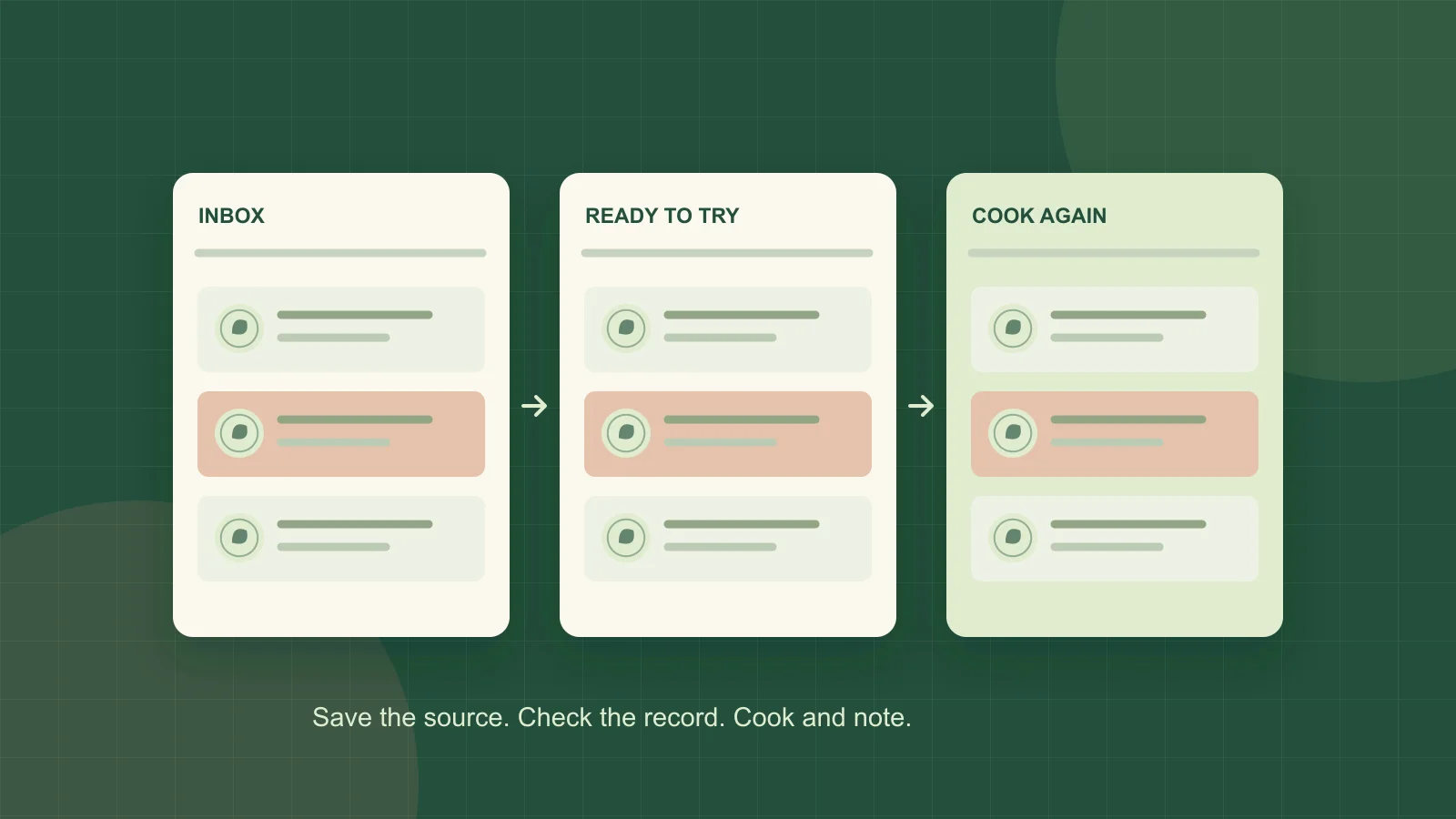
Recipe organization
How to Organize Recipes So You Can Find Them Again
Turn a crowded recipe collection into a useful dinner library with a retrieval check, simple labels, duplicate rules and a free recipe-index template.

Recipe organization
How to Save Recipes from Instagram, TikTok and YouTube
Turn social recipe videos into an organized, editable recipe library with ingredients, steps, source links and a clear path to your meal plan.
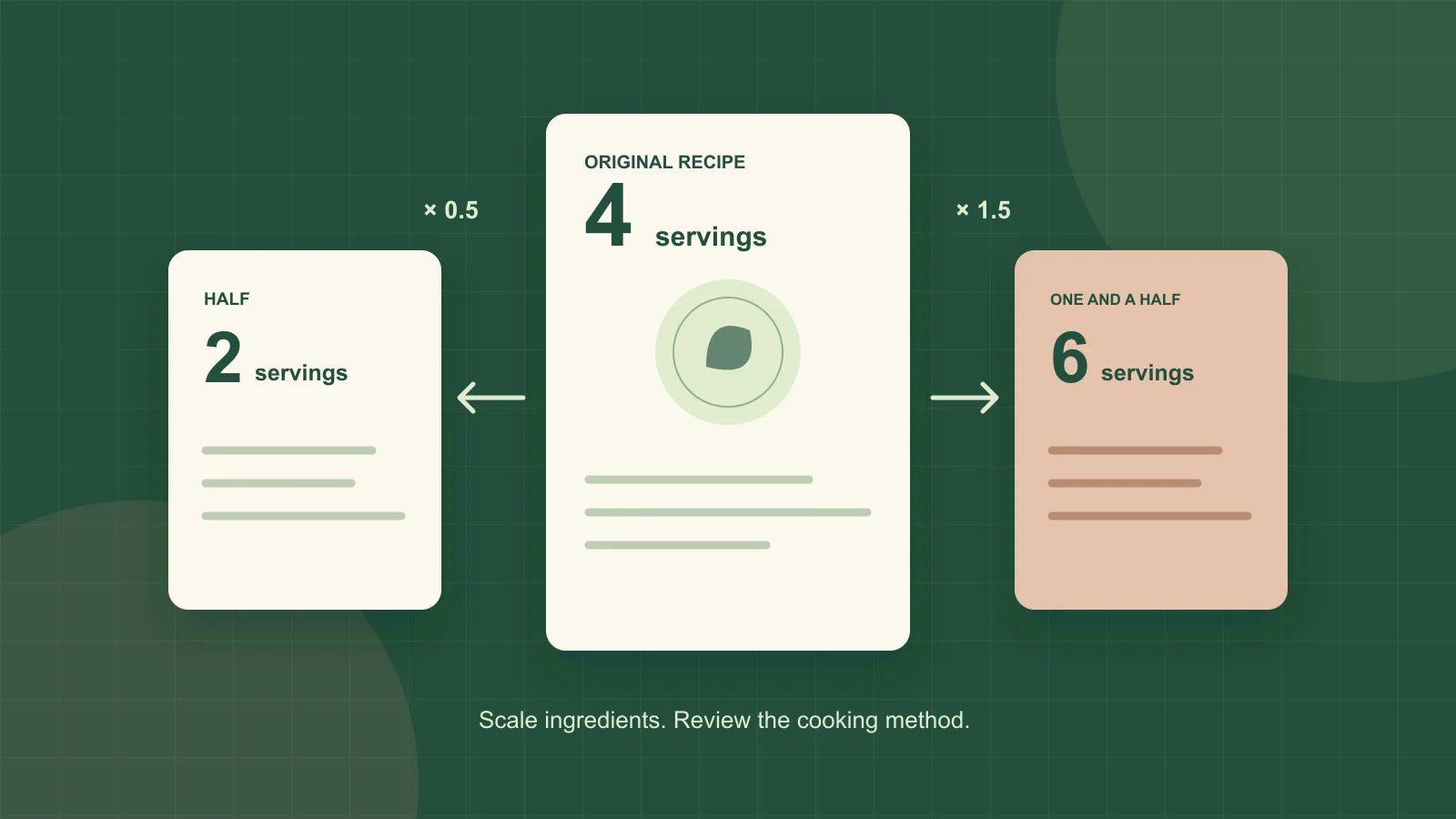
Recipe organization
How to Scale a Recipe and Buy the Right Quantities
Convert recipe servings with a simple formula, check units and cooking limits, then subtract pantry stock. Includes examples and a free scaling worksheet.