Save from more than one source
Type your own recipe, photograph a printed one, or import from a recipe website or an Instagram, TikTok, YouTube or Facebook post when its caption, description or transcript includes the recipe.
Recipe organizer app
Kivella is a recipe organizer app for iPhone and Android. Save, tag and search recipes, and import reviewable drafts from recipe websites and social posts.
Available for iOS and Android. Download Kivella to get started.
“A recipe should stay useful after the tab, video or message where you found it has disappeared.”
What it connects
Type your own recipe, photograph a printed one, or import from a recipe website or an Instagram, TikTok, YouTube or Facebook post when its caption, description or transcript includes the recipe.
Review ingredients, steps, servings and other recipe details instead of locking an automated extraction in place.
Search, rate and group recipes so the dishes you actually cook remain easy to find.
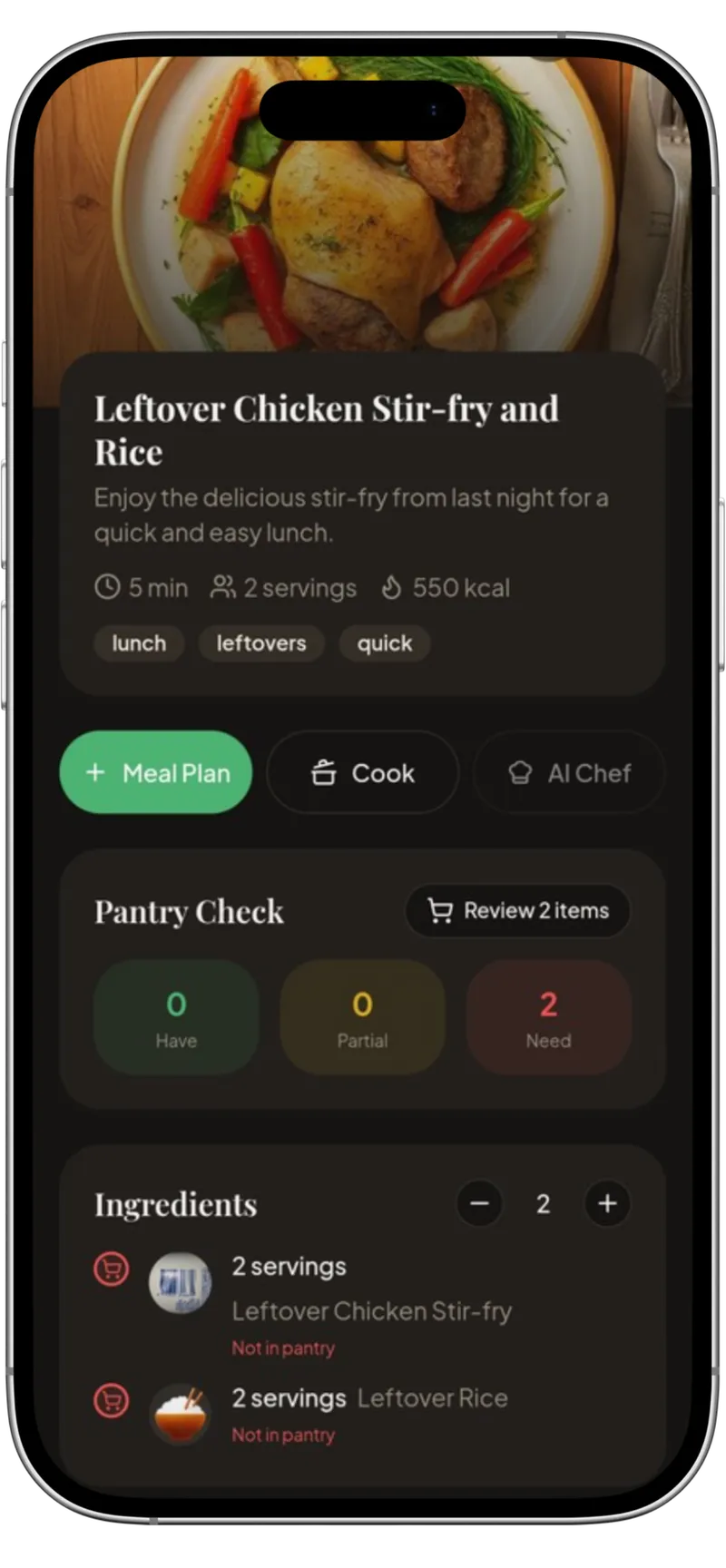
Scale servings, follow cooking steps and send missing ingredients into the connected shopping workflow.
How it works
Share a recipe page or social post to Kivella, or paste its link, to prepare a structured draft.
Check the title, ingredients, method, servings and nutrition information before saving.
Use the saved recipe in a meal plan, review what is missing and follow it in cooking mode.
Questions
Yes, when the post's caption, description or transcript includes the recipe. Kivella imports from Instagram, TikTok, YouTube and Facebook posts as well as recipe websites, and you review the draft before saving. It can't watch a video, so if the recipe isn't in the text it can read, Kivella tells you instead of guessing.
Yes. Paste or share the link to a recipe page and review the draft before saving it to your library. Import works best on pages with a full written recipe, and each import counts towards your plan's allowance.
Yes. Imported content is treated as a reviewable draft so you can correct ingredients, steps, servings and other details.
Yes. You can share a recipe as a designed recipe-card image.
Find the best recipe app for you: 10 recipe keepers compared on price, platforms, imports, meal planning and export. See which fits how you cook.
Convert recipe servings with a simple formula, check units and cooking limits, then subtract pantry stock. Includes examples and a free scaling worksheet.
Turn a crowded recipe collection into a useful dinner library with a retrieval check, simple labels, duplicate rules and a free recipe-index template.
Turn social recipe videos into an organized, editable recipe library with ingredients, steps, source links and a clear path to your meal plan.
Plan five protein-centred dinners with example portions, a label-based protein calculation and a prep routine that keeps vegetables and variety in the week.