Start with the meal in front of you
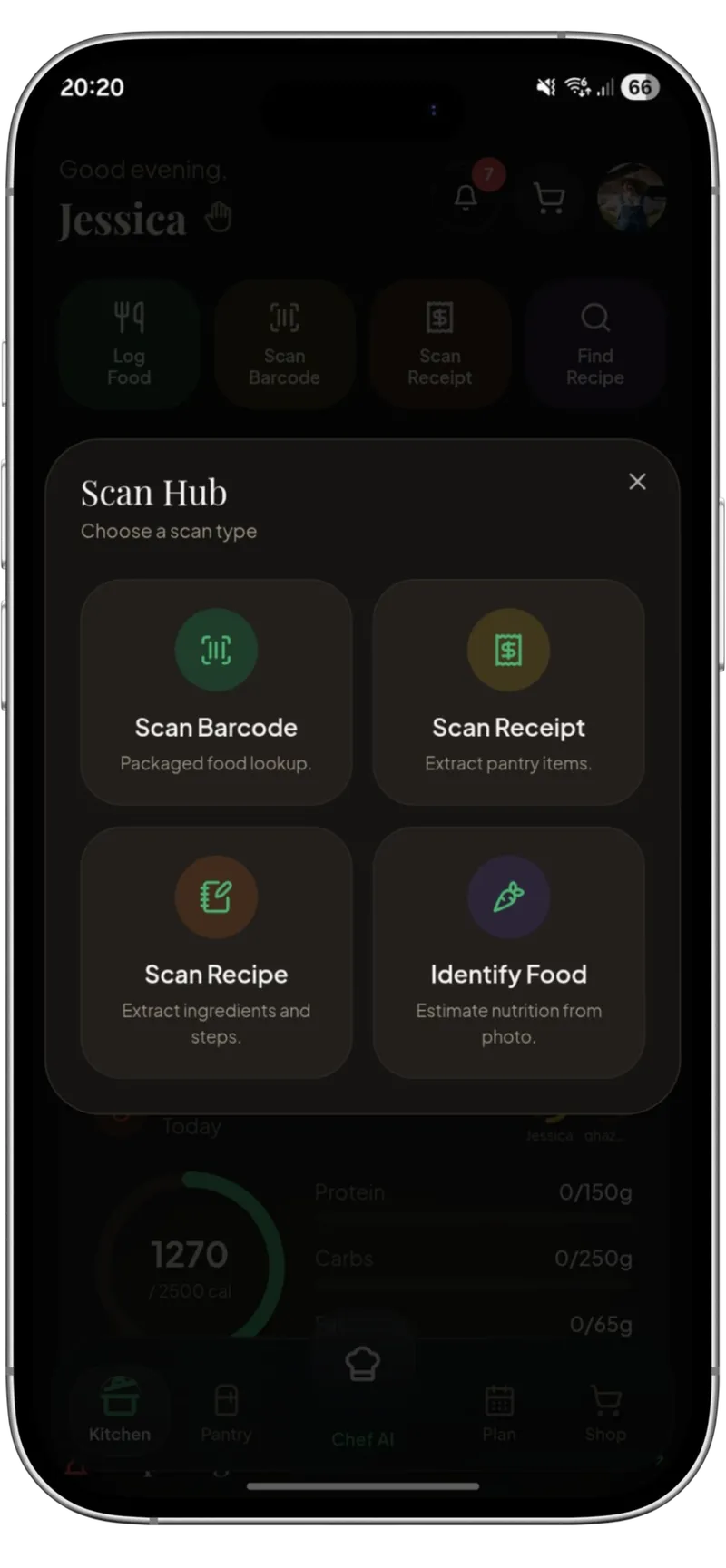
Use a food photo to prepare an estimated profile instead of manually searching for every component first.
Photo nutrition logging
Kivella combines food-photo understanding with an editable calorie and macro log. Portions and nutrition remain estimates until the user reviews and saves them.
Available for iOS and Android. Download Kivella to get started.
“Faster food logging without pretending a photo is a medical measurement.”
What it connects
Use a food photo to prepare an estimated profile instead of manually searching for every component first.
Photo-derived portions, calories and macros are presented as estimates rather than exact measurements.
Review the serving and nutrient values so the historical log reflects the user's decision, not a silent automated guess.
View daily and weekly calorie and macro progress using the food entries you chose to log.
How it works
Take or choose a food photo and let Kivella prepare an estimated food profile.
Correct the food description, portion, calories or macros when the estimate does not match the meal.
Choose to log the corrected entry against personal daily nutrition targets.
Questions
Yes. Kivella can prepare a calorie and macro estimate from a meal photo for the user to review and correct before logging. Photo estimates count towards your plan's allowance.
No. Food-photo nutrition is an estimate and is not medical-grade. Portion size, preparation and hidden ingredients can change the result.
Yes. Review and correction are part of the workflow before the result becomes a personal nutrition record.
No. A photographed meal remains a food estimate unless the user explicitly chooses a separate save destination.