Two pages, not a stretched phone
Every screen gets a second page on the inner display: the pantry's shelves beside its list, the week's board beside the plan, the aisles beside the shopping checklist.
Built for iPhone Duo
Kivella is built for iPhone Duo. Open it and your pantry, meal plan, shopping list and recipes spread across two pages; close it and you're right where you were.
Available for iOS and Android. Download Kivella to get started.
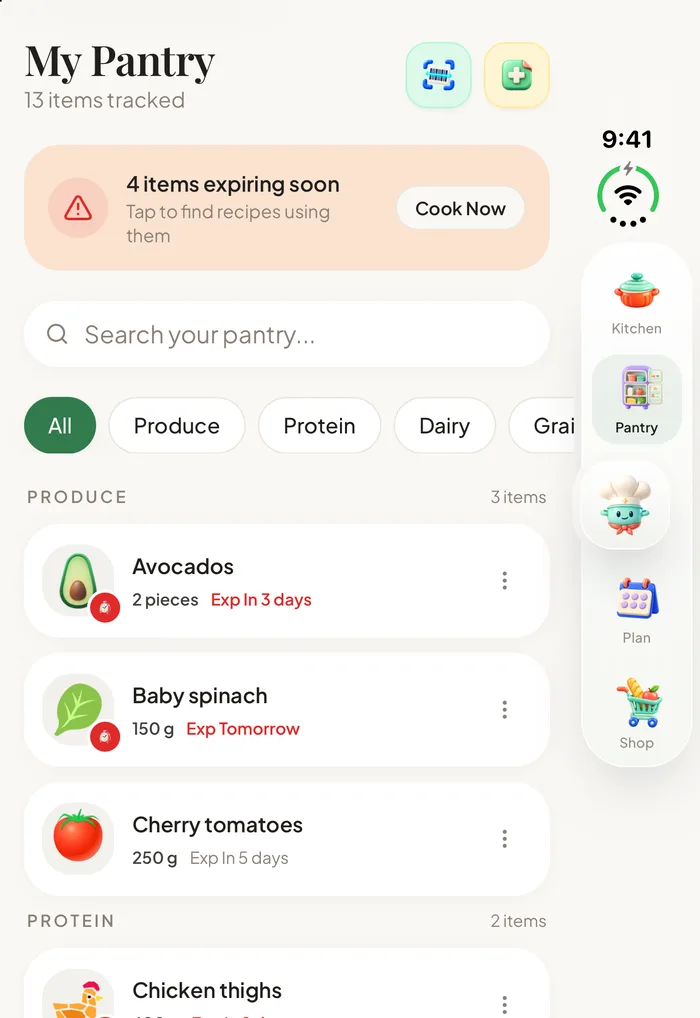
“Read on the left, act on the right. Fold it and nothing jumps.”
iPhone Duo · New
Open it and your kitchen spreads across two pages: the pantry beside its shelves, the week beside the day, the method beside the recipe. Close it and it’s the phone app you know, exactly where you left it.
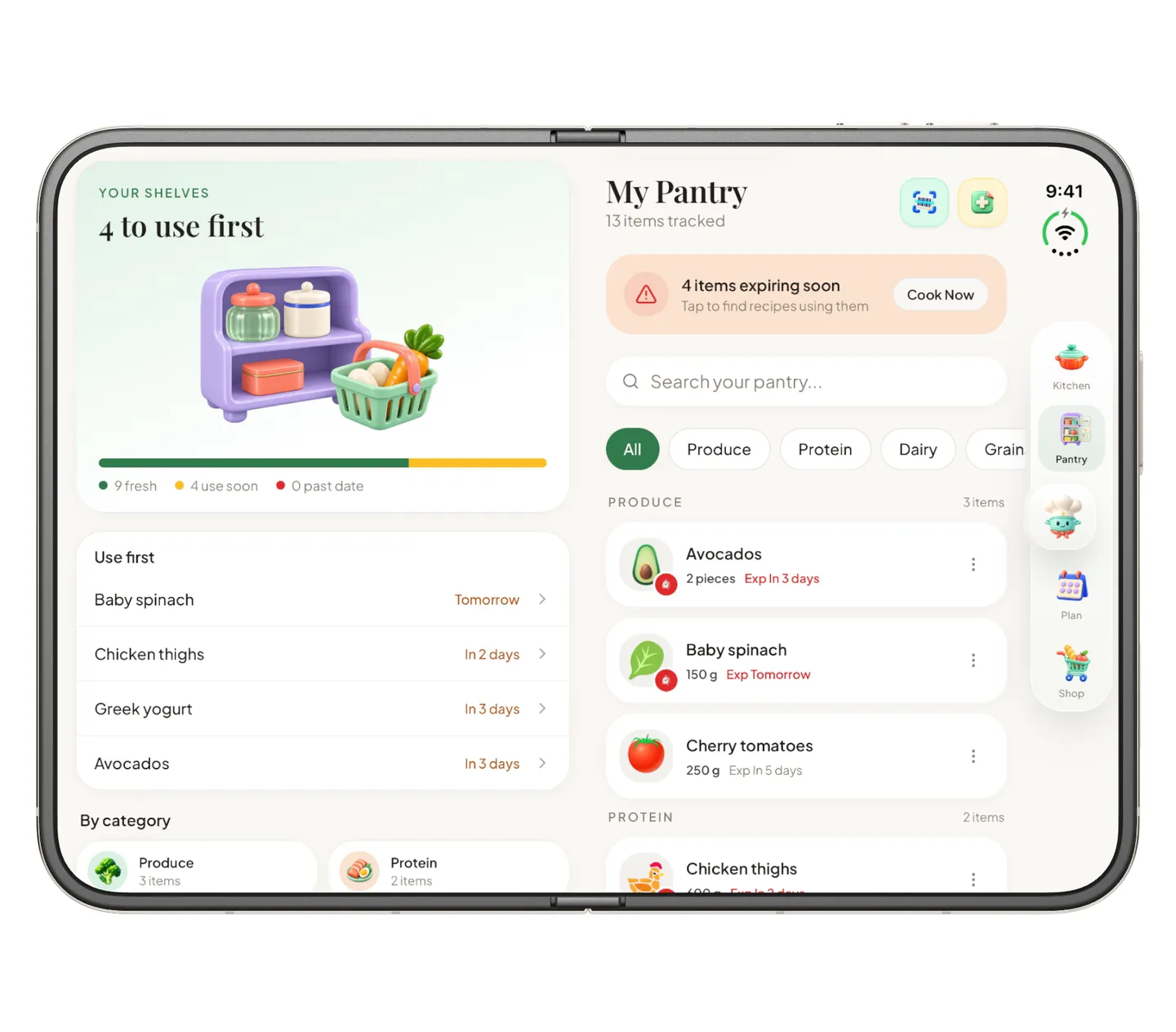
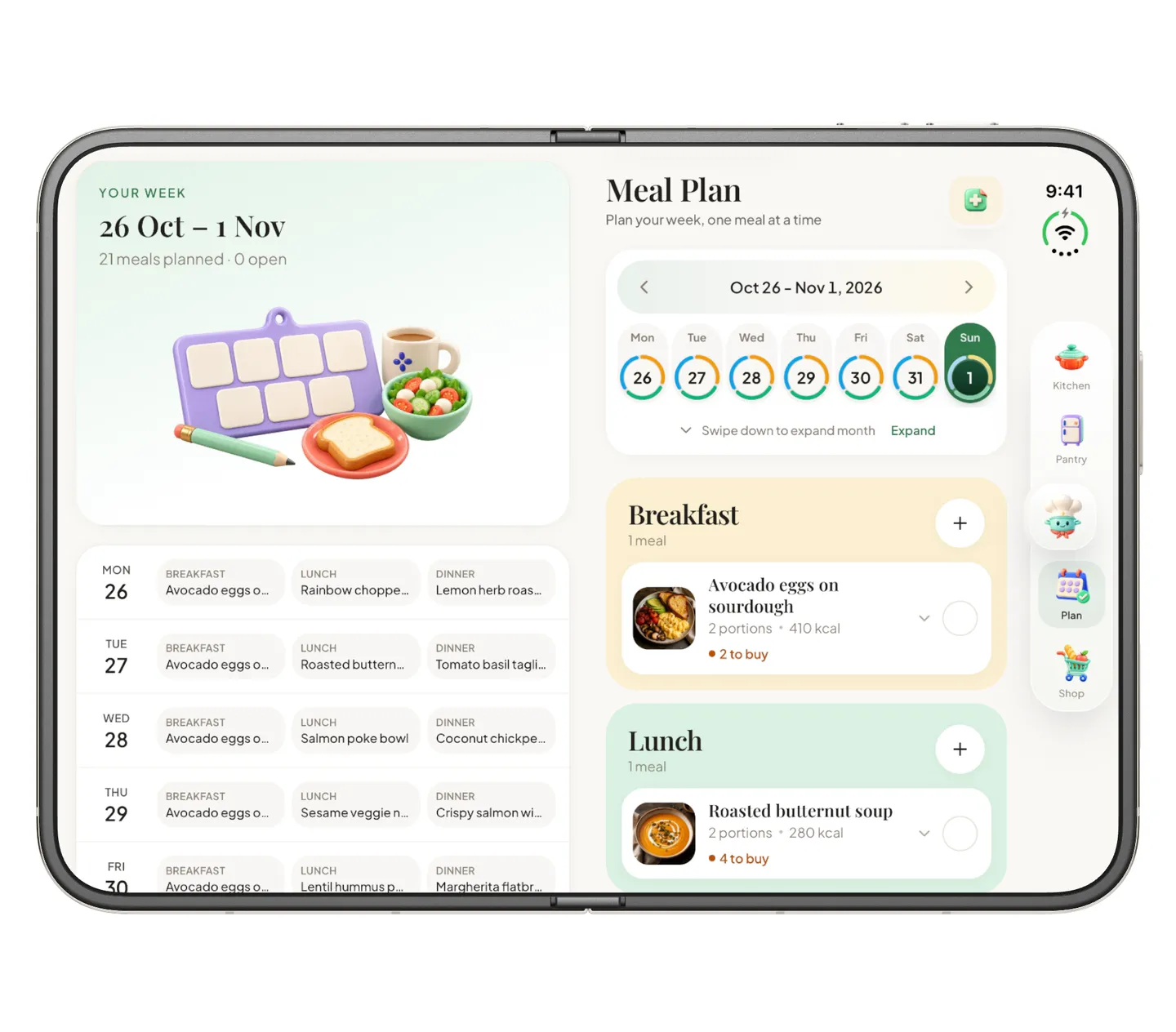
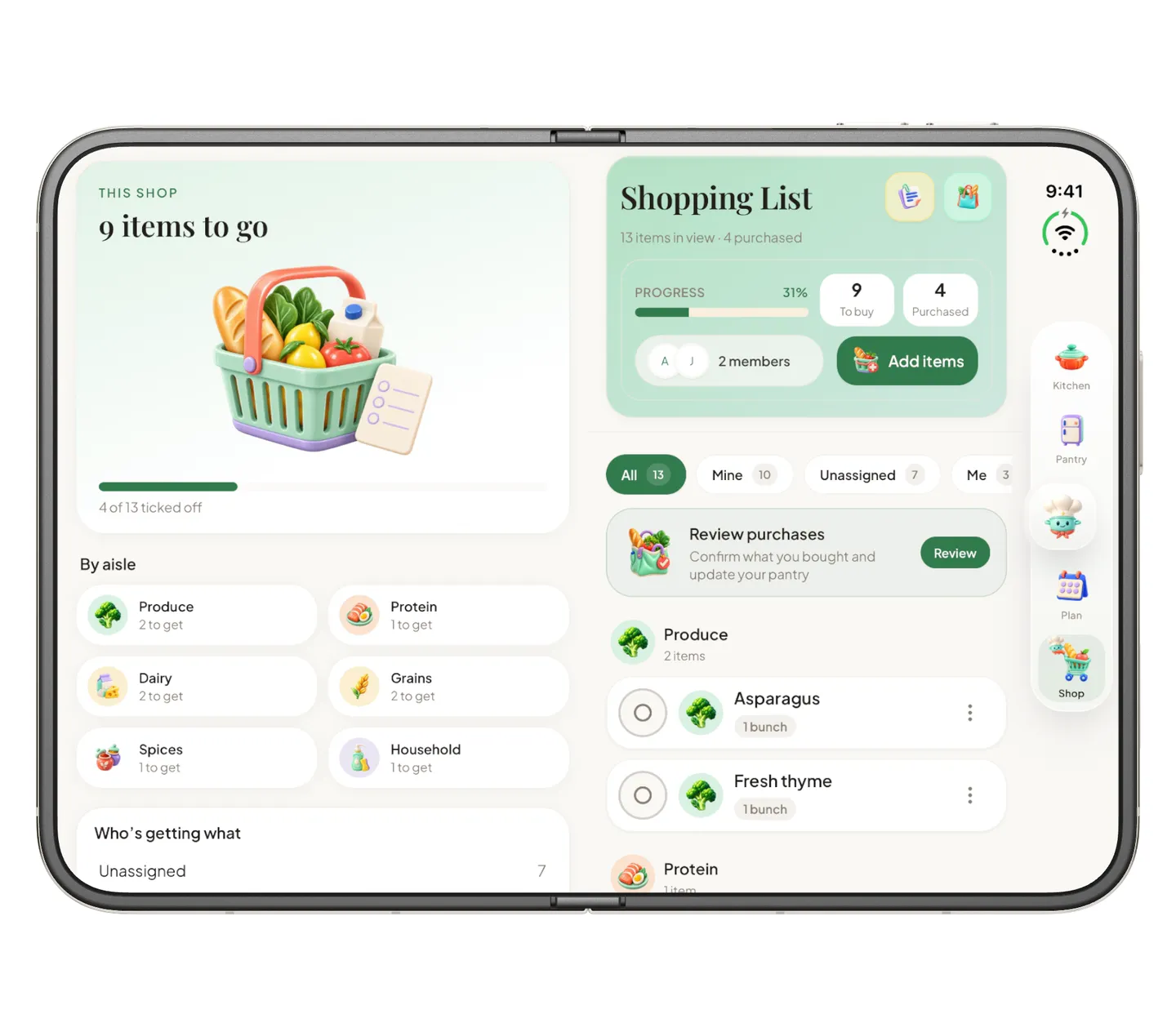
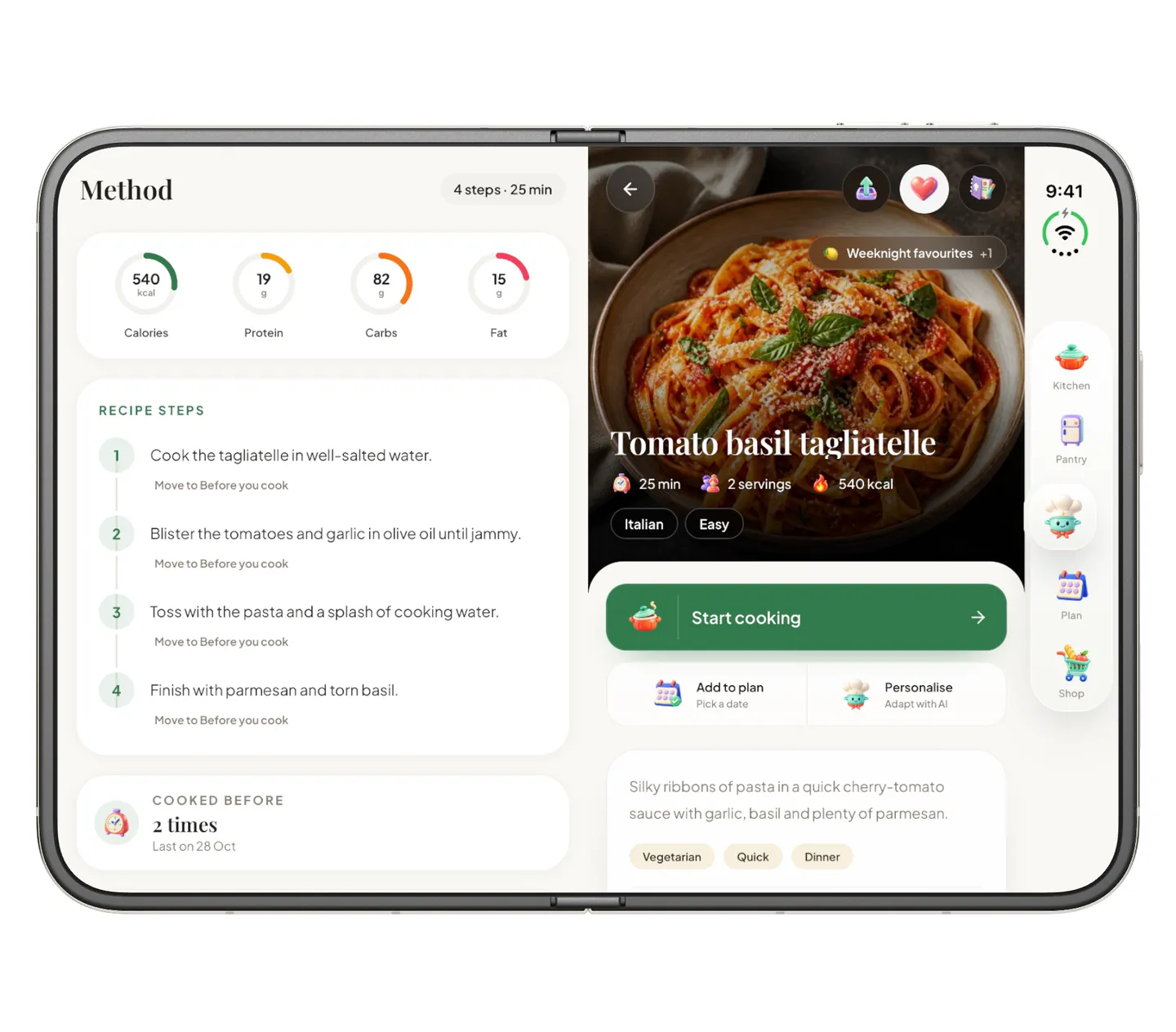
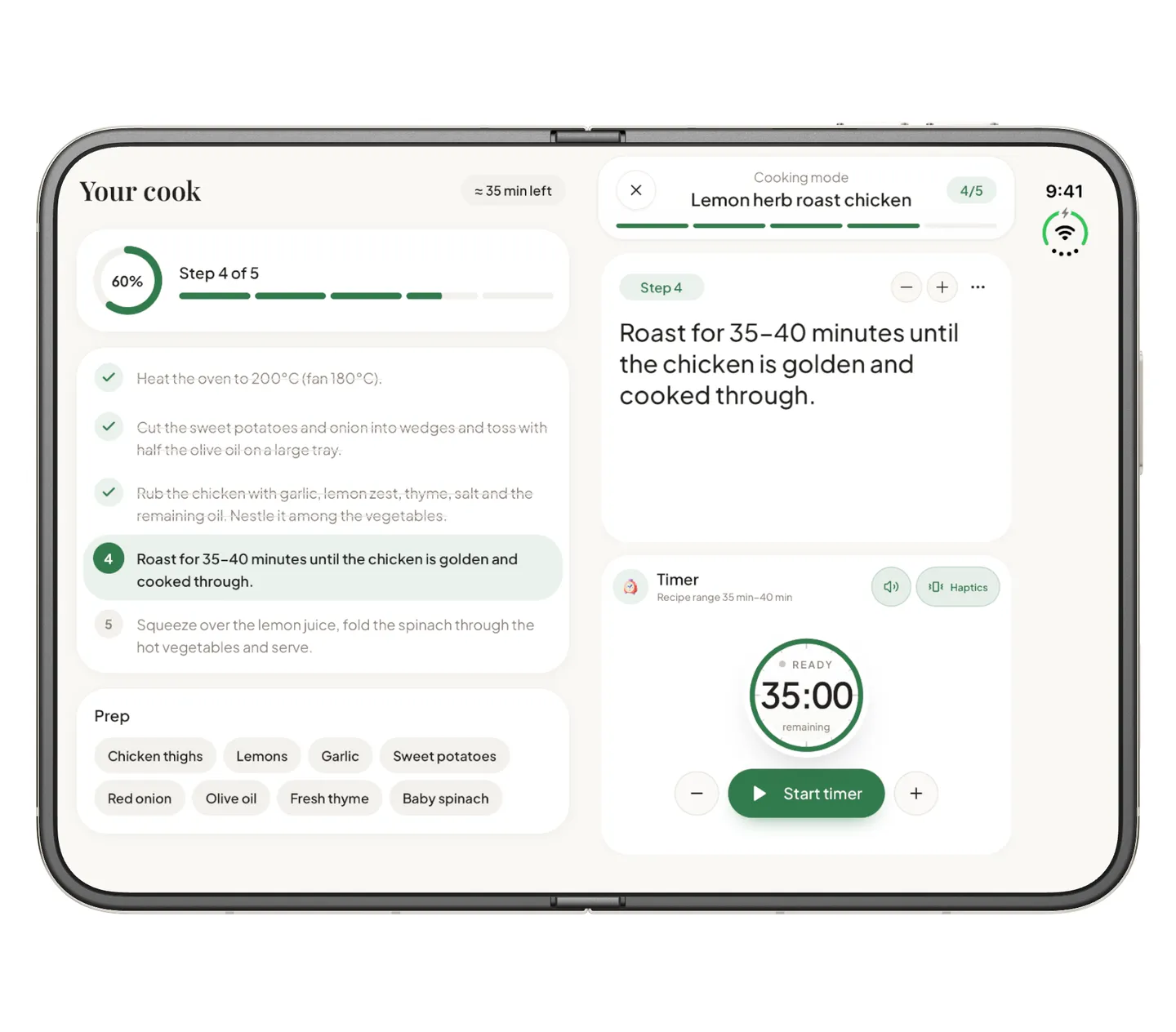
Close it and the cover screen shows exactly what the right page did. Open it and the left page fades in beside it.
Things to glance at sit on the left. Checklists, buttons and timers sit on the right, by your thumb.
A scan, a recipe or the Chef opens on the page you tapped, so it never covers what you’re reading.
What it connects
Every screen gets a second page on the inner display: the pantry's shelves beside its list, the week's board beside the plan, the aisles beside the shopping checklist.
Things to glance at sit on the left page. Checklists, buttons and recipe cards sit on the right, beside your thumb and the side rail.
The screen you were using stays exactly where it was while the new page fades in beside it, then closing puts you back on the phone layout you know.
Keep a recipe's ingredients on one page and its steps on the other, and open the Chef on the right without covering what you're reading.
How it works
On the cover screen Kivella is the same phone app, in the same order.
The left page reveals with the same blur-and-darken veil the system uses, and settles as the hinge opens flat.
Sheets open on the page you tapped, so a recipe or a scan never covers what you're reading.
Questions
Yes. Kivella has a two-page layout for every screen on the iPhone Duo's inner display, a side rail for navigation and a fold transition that keeps your place. On the cover screen it behaves like the iPhone app.
Yes. Kivella runs on iPhone and iPad with iOS 15 or later, and on Android 8.0 or later. The two-page layout only appears on iPhone Duo.
No. The iPhone Duo layout is part of the free app.
Yes. Siri, Shortcuts and Spotlight work the same on iPhone Duo as on any iPhone.
Explore the connected system