
Answers from your own kitchen
Ask what's expiring, what you can cook tonight, what's on today's meal plan or how you're doing on calories, and Siri replies with a Kivella card.
Siri and Shortcuts
Kivella works with Siri, Shortcuts and Spotlight on iPhone. Ask what's expiring, what to cook tonight or what's on your shopping list, and add groceries or log a meal hands-free.
Available for iOS and Android. Download Kivella to get started.
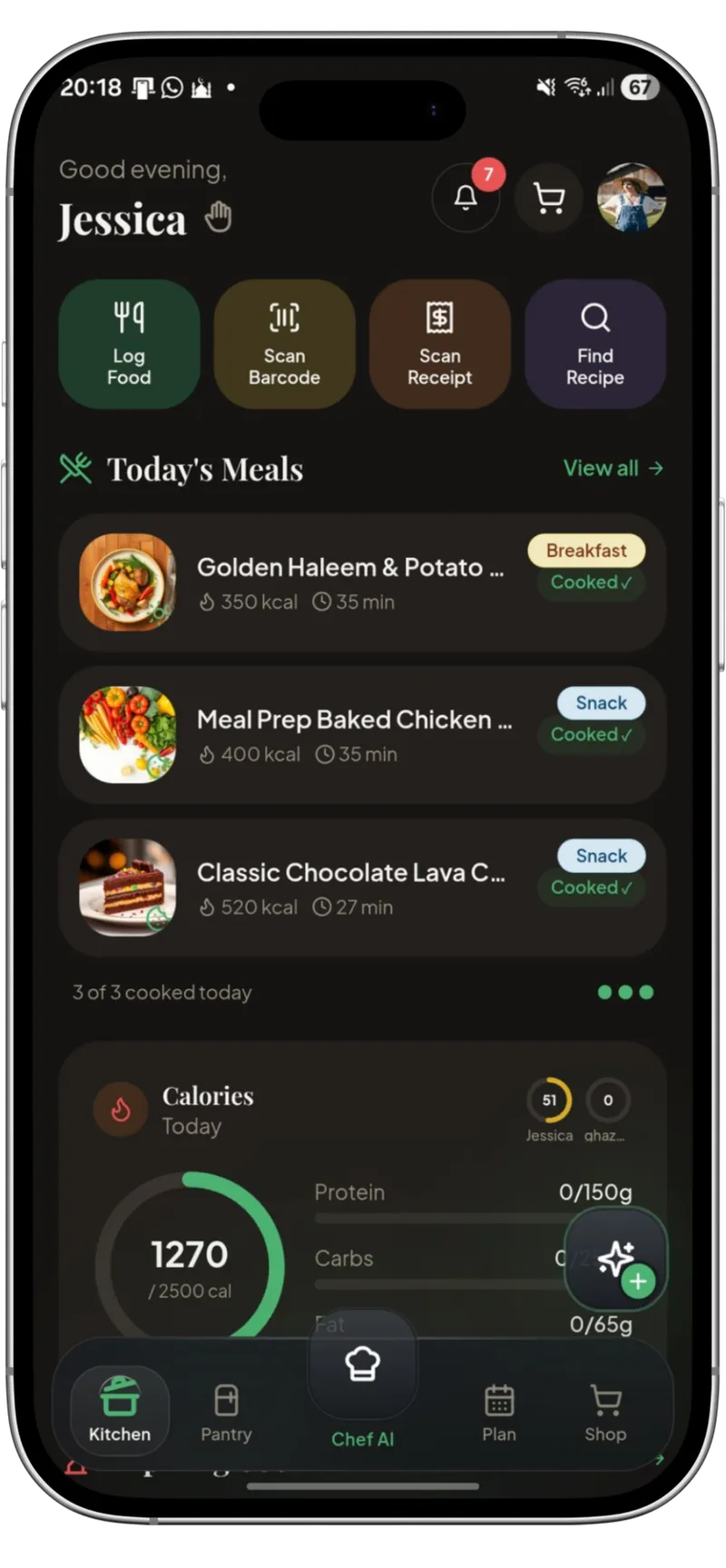
“Your hands are covered in flour. Your kitchen still answers.”
Siri & Shortcuts · New
Ask what’s expiring, what to cook tonight or what’s on the list, and Siri answers from your Kivella kitchen with a card. Add groceries or log a meal without opening the app. Free on every plan, on iOS 18 and later.
Search your iPhone for a dish or an ingredient and your Kivella recipe is there. Shortcuts gets every action too.
Answers offline. Siri reads your last synced kitchen, so it works in the supermarket basement too.
On Android, Kivella adds app shortcuts for the same quick actions.
What it connects
Ask what's expiring, what you can cook tonight, what's on today's meal plan or how you're doing on calories, and Siri replies with a Kivella card.
Say "Add to my Kivella shopping list" or "Log food in Kivella" and Siri asks what to add. Pantry items work the same way.
Siri reads the kitchen Kivella last synced to your phone, so it still answers with no signal in the shop.
Your recipes show up when you search your iPhone, and every Kivella action is in the Shortcuts app for your own automations.
How it works
Kivella keeps a small copy of your pantry, plan and list on your phone for Siri to answer from.
Start with "Ask Kivella" or include Kivella in the sentence, for example "What's on my Kivella shopping list?"
Siri reads the answer and shows a Kivella card. Tap it to jump to that screen in the app.
Questions
Ask what's expiring, what you can cook tonight, what's on today's meal plan, how you're doing on calories today or what's on your shopping list. You can also ask Siri to add shopping or pantry items, log food, open a recipe, or open the barcode scanner or food camera.
Yes, Siri and Shortcuts work on every plan, on iPhone with iOS 18 or later. Adding items through Siri counts towards a daily allowance, which is higher on Kivella Pro.
Android gets app shortcuts for the same quick actions: long-press the Kivella icon to open your shopping list, scan a barcode, scan anything or log food.
Yes, and more. With Kivella Pro you can connect ChatGPT, Claude and other AI agents to your kitchen. See the AI agents guide at kivella.app/ai-agents.
Explore the connected system